Create Field Guides
Turn an answer into a visual reference and save the complete guide as a mobile-friendly PDF.
Built for real-world decisions
Ask what to do, compare one or multiple photos, analyze short videos, and turn practical answers into visual guides you can save to your phone for the trail, the road, the homestead, or the unexpected.
Available now on Android. Apple version on the way.
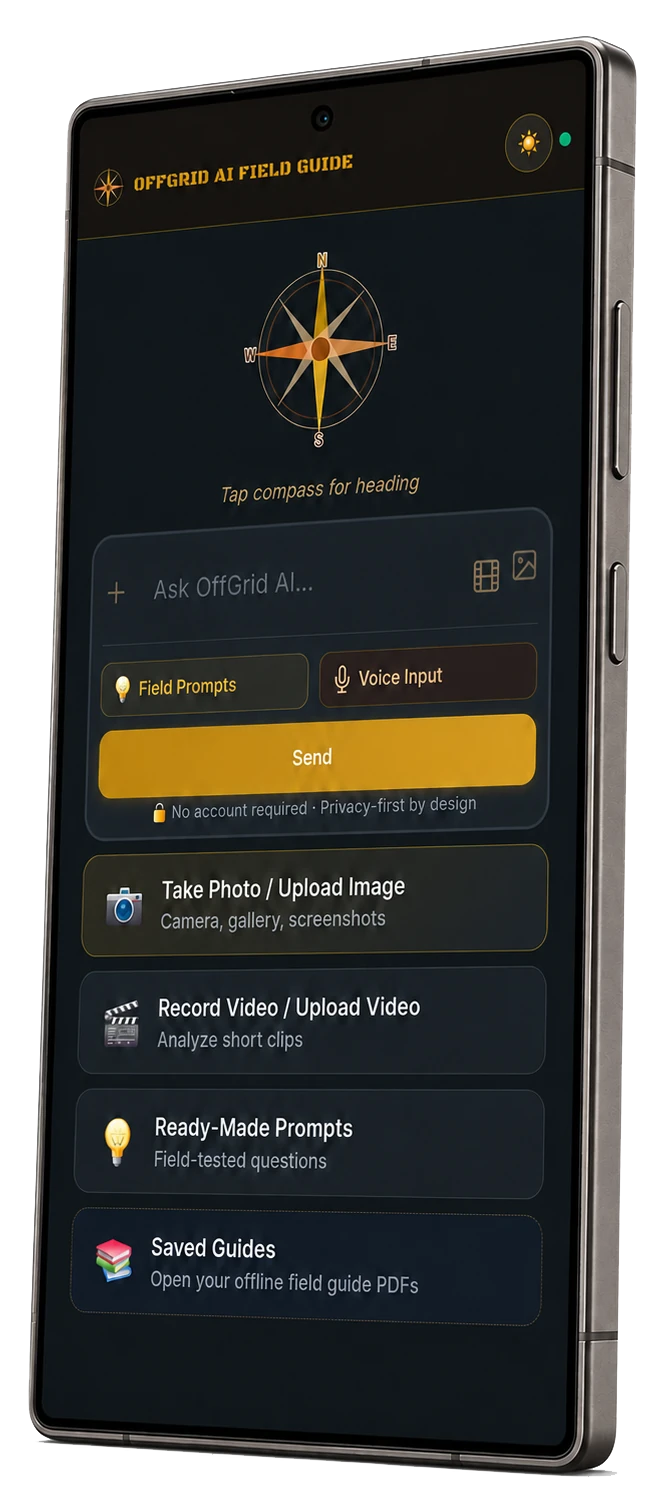
One app, six practical tools
OffGrid AI FieldGuide is designed around what happens after you ask a question: understanding the situation, making the answer visual, and keeping it where you can find it again.
Turn an answer into a visual reference and save the complete guide as a mobile-friendly PDF.
Browse ready-made questions for preparedness, travel, homesteading, emergencies, and more.
Select one or several related images so the app can compare angles, details, and context together.
Add motion and changing context when one still image does not tell the whole story.
Create diagrams, checklists, identification cards, and field-ready visual references.
Listen to answers through your phone when your hands or attention need to stay on the task.
The real app, start to finish
These are real screens from the current Android app—from ready-made prompts and multi-photo analysis to visual creation, read aloud, and saved guides.
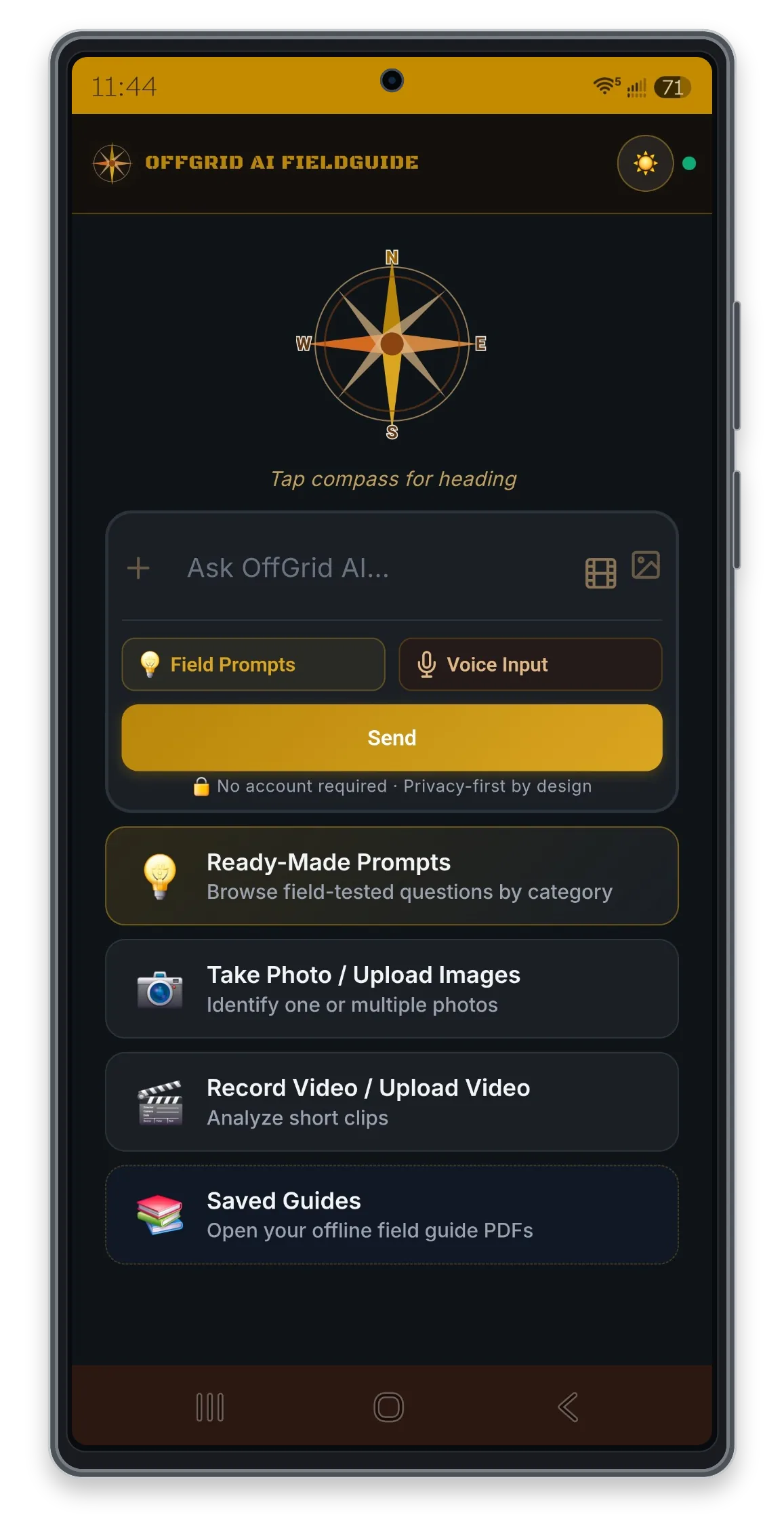
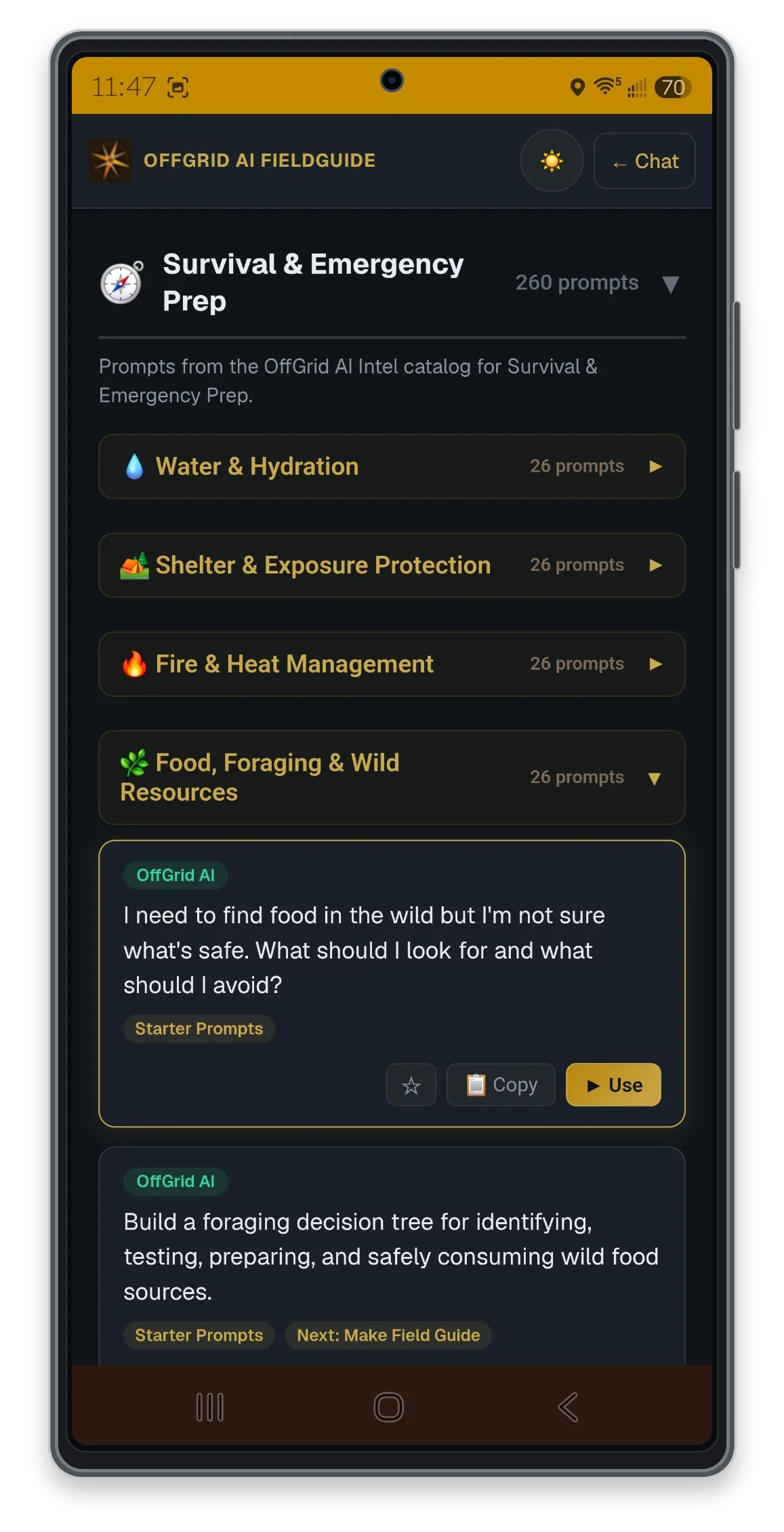
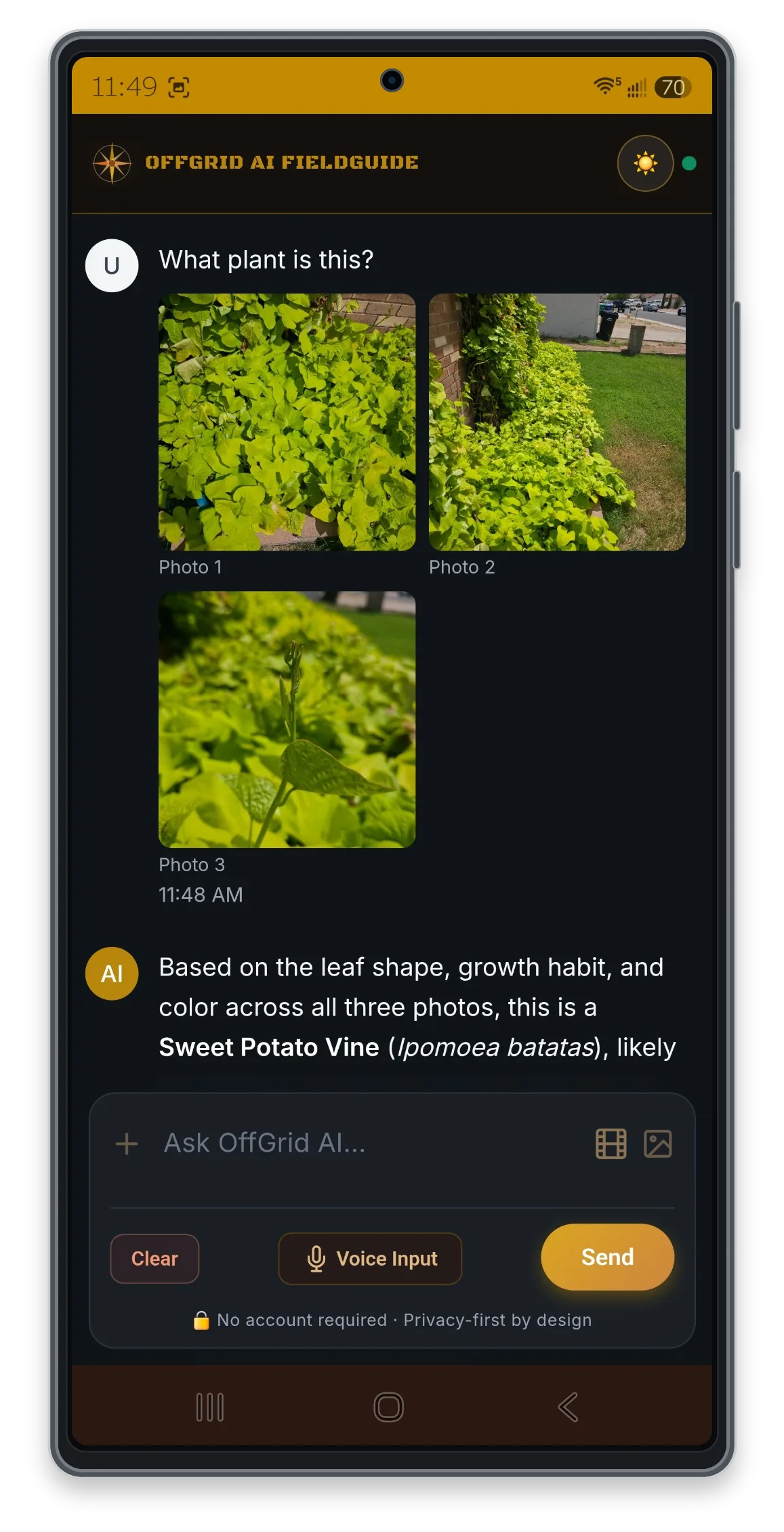
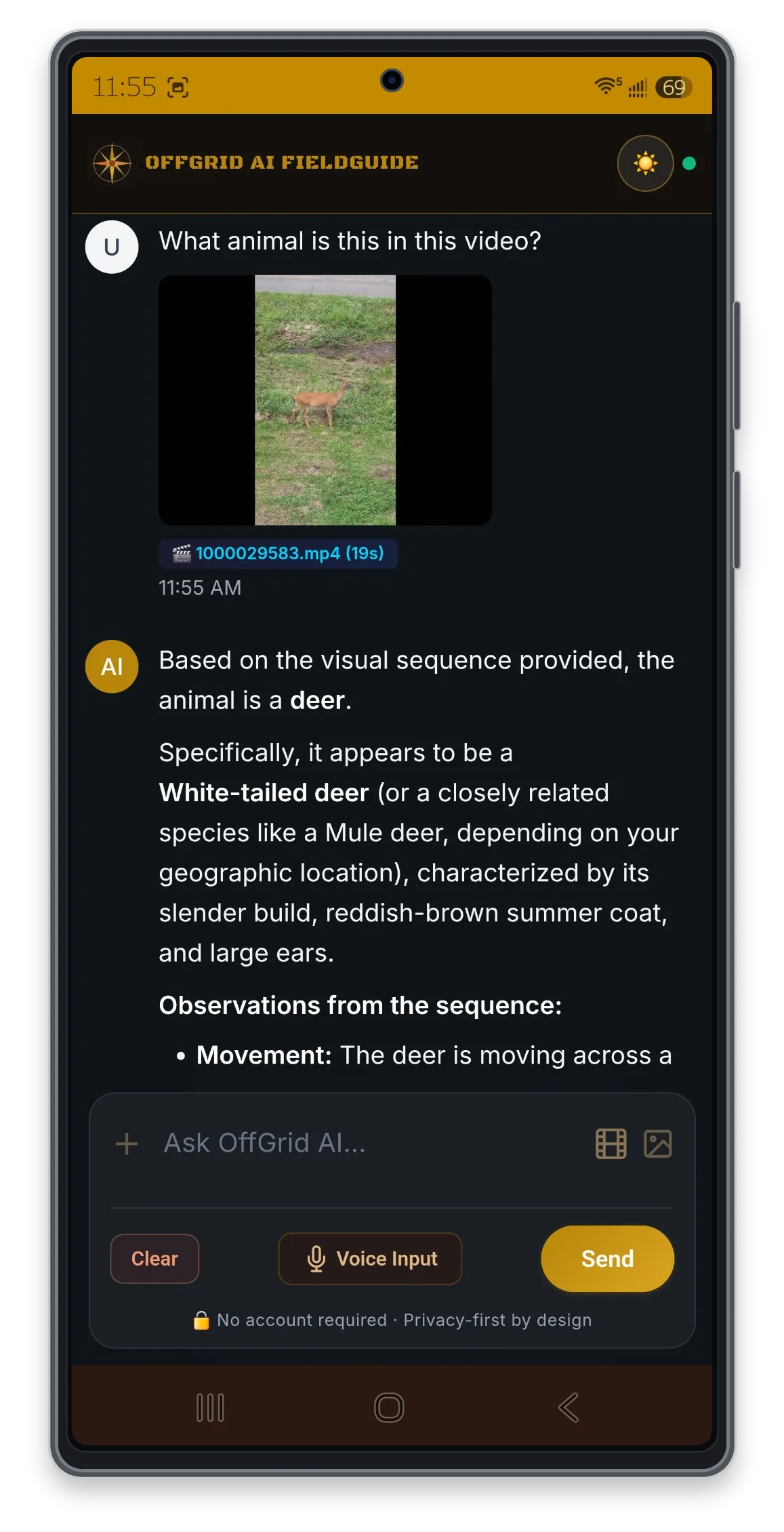
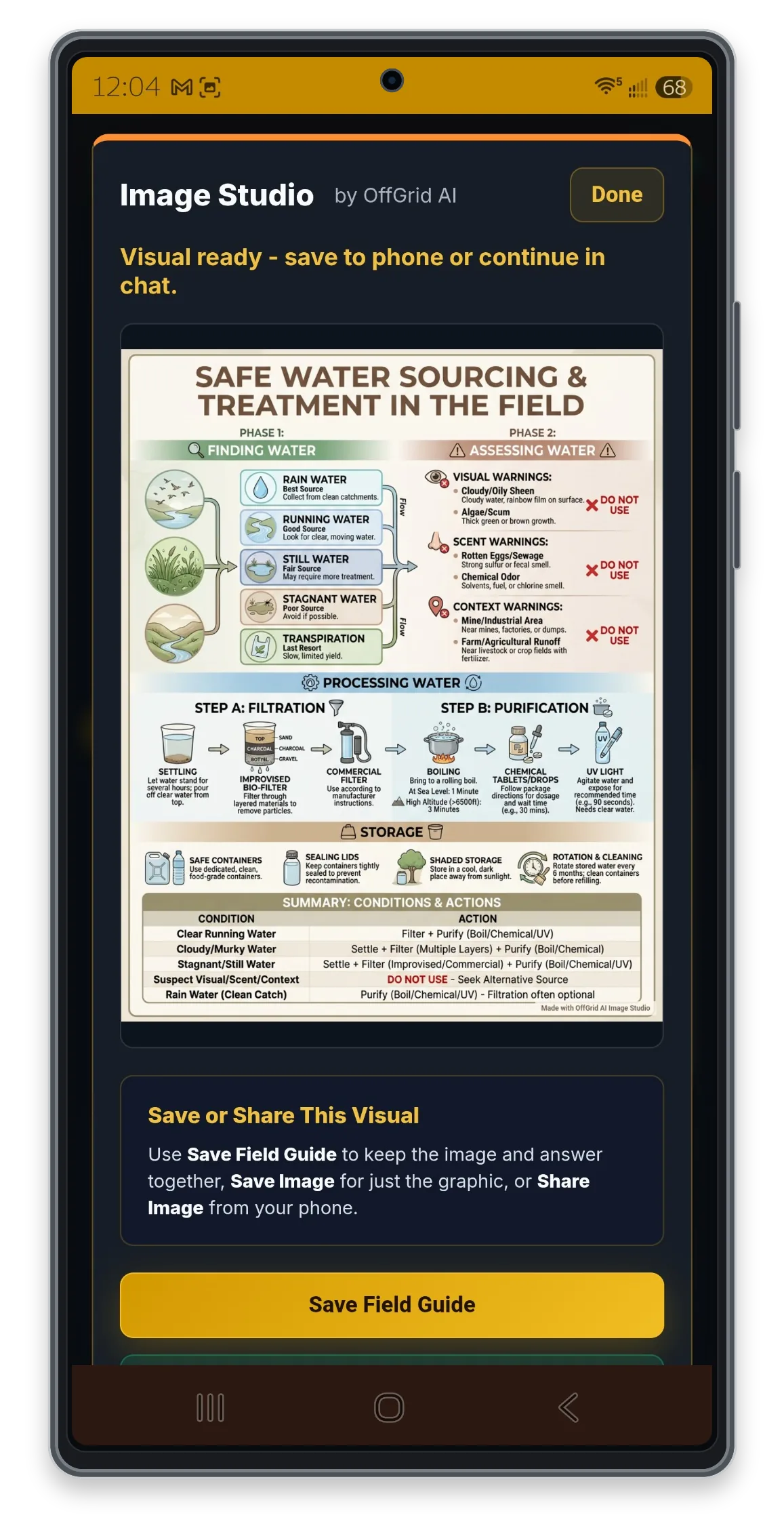
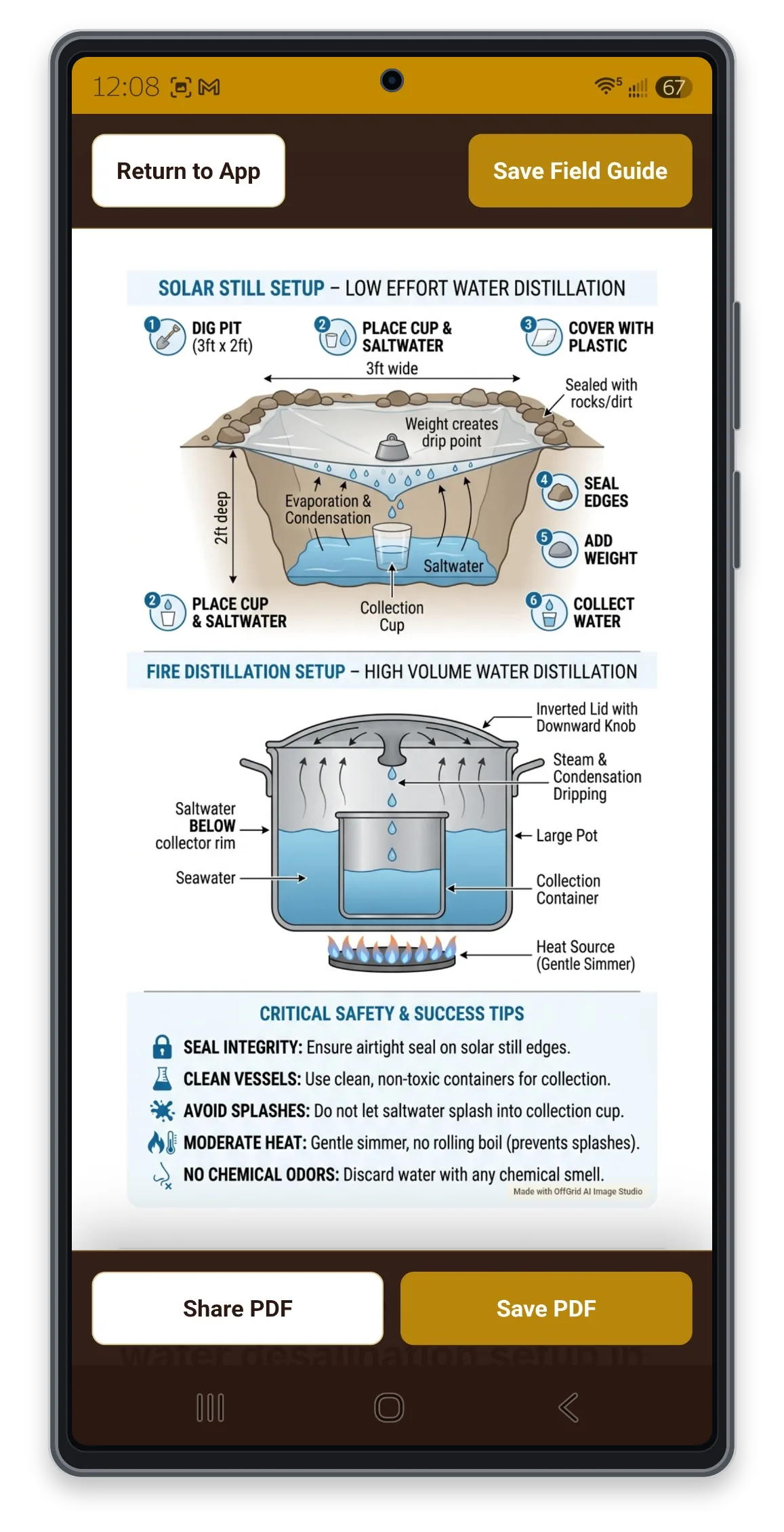
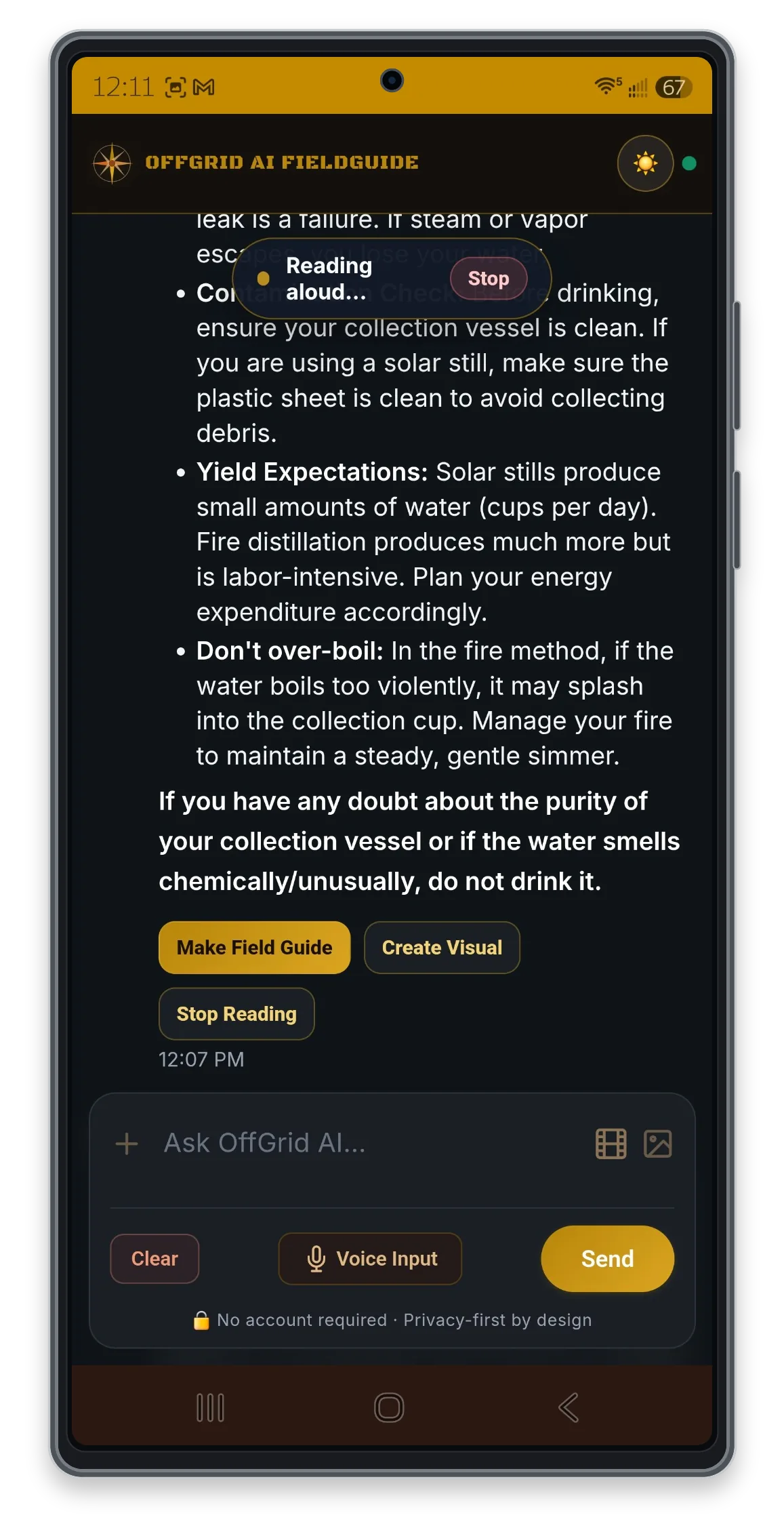
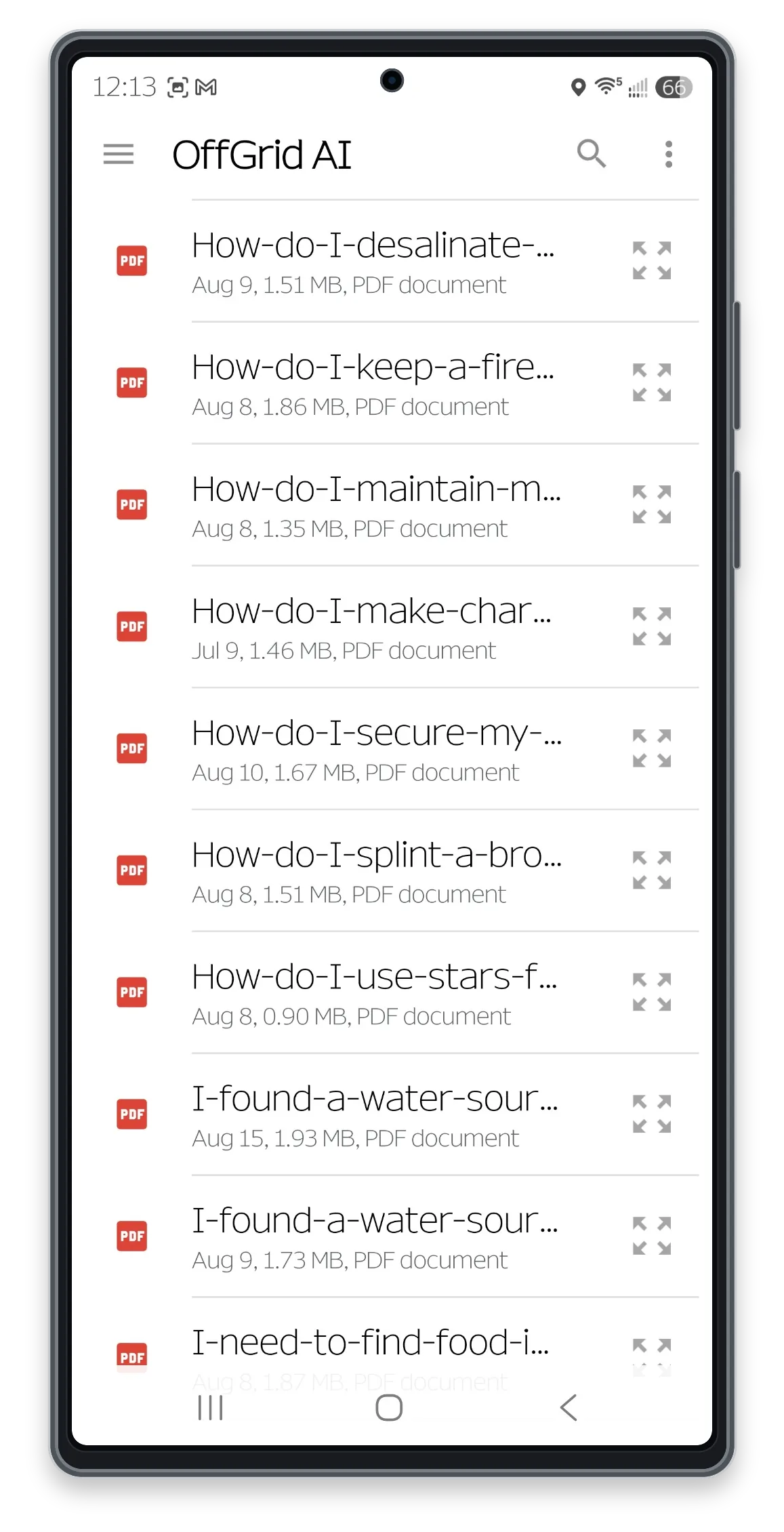
Swipe on mobile, use the arrow buttons, or scroll horizontally to explore all eight screens.
From uncertainty to something useful
Type, speak, choose a ready-made prompt, add one or multiple photos, or upload a short video.
Answers lead with what matters first and clearly flag uncertainty or safety concerns.
Create a visual Field Guide, save the PDF, and keep it available on your phone.
See the complete workflow
This real phone walkthrough shows the full process: ask a practical question, generate a visual, build the PDF, and open the completed guide saved on the device.
44-second silent demonstration
Made in the app
These examples were created with OffGrid AI Image Studio. Tap any card to inspect the full visual.
Swipe through the examples and tap one to enlarge it. Full-resolution PNG files are available from the expanded view.
Important: AI-generated visuals can contain mistakes. Verify critical medical, emergency, legal, mechanical, food-safety, and survival information with qualified or authoritative sources before acting. These examples are educational and are not professional medical advice.
Verify local conditions and use professional or emergency help when the situation requires it.
The feature at the center
A Field Guide combines the original guidance with an optional generated visual, then packages it into a readable PDF. Save guides for trips, equipment, locations, skills, emergency plans, and the scenarios you want to prepare for ahead of time.
Two connected products, two clear jobs
OffGrid AI FieldGuide is the free online app with photo identification, short-video analysis, visual generation, and downloadable Field Guides. The upcoming paid OffGrid AI ToolKit is a separate companion designed to run its AI locally when internet access is unavailable.
Support & feedback
Tell us what happened, what device you are using, and what you expected to see. Clear details help us respond faster and improve FieldGuide for everyone.
Take useful knowledge with you
Free on Google Play, with no account, ads, or in-app purchases. Internet access is required for AI responses and visual generation.
Download OffGrid AI FieldGuide